
Step 1 — Check whether their login is enabled
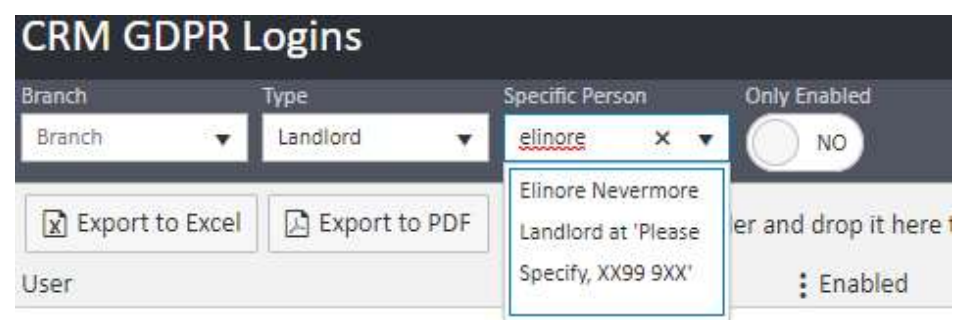
Go to the Lettings tab in the top navigation and click the GDPR CRM Logins icon. In the filters at the top of the page, type the landlord's name into the Specific Person field, set the Type to Landlord, and set Only Enabled to No so that disabled logins are also visible. Click Search.
The results grid will show the landlord's record with columns for User, ID, Enabled, EMail Address, and Has Security Questions.
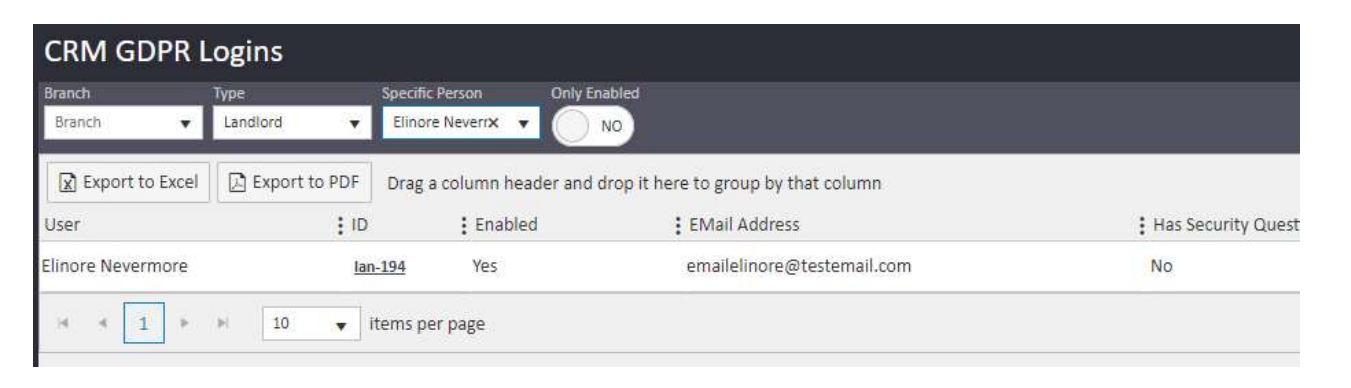
- If Enabled shows Yes, their login is already active — move to Step 2.
- If Enabled shows No, click Enable Online Login in the top right of the page.
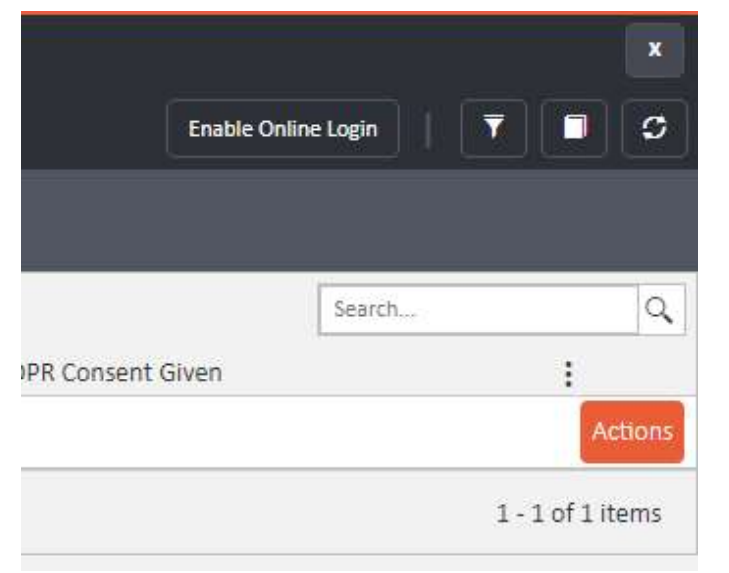
A pop-up will appear. Enter the landlord's email address and confirm the linked person, then click Enable Online Login in the bottom right of the pop-up.

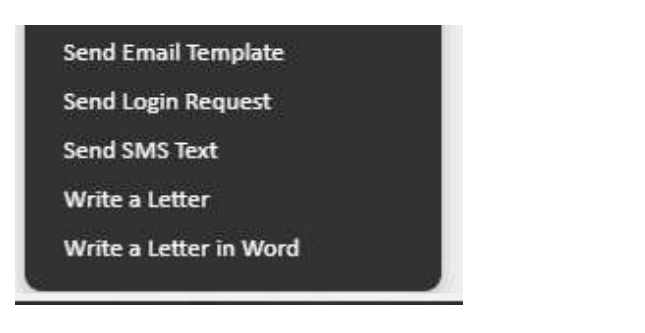
Once enabled, go to their profile and select Actions > Send Login Request.
Step 2 — Clear their security questions
If the landlord's login is already enabled but they still cannot log in, it is likely that they are not entering their security question answers or password correctly — both are case sensitive. To resolve this, clear their security questions so they can set them again from scratch.
Go to the landlord's profile in agentOS, click Actions, scroll down to the Office section, and select Clear Security Questions.
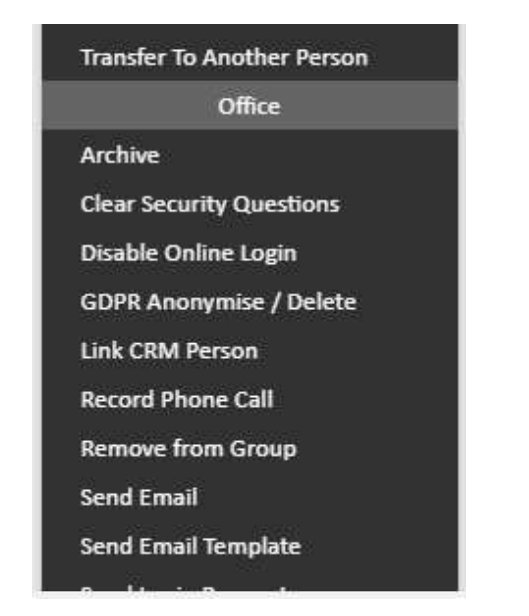
Then select Actions > Send Login Request again so they receive a fresh login email with a new link to set their password and security questions.
Step 3 — Ask them to clear their browser cache
If the landlord has saved passwords on their device, their browser may be using an old cached password. Ask them to clear their browser cache and cookies, then try logging in again. They can use www.refreshyourcache.com for instructions specific to their browser.
Step 4 — Test the login yourself
If all of the above has been tried and the landlord still cannot log in, you can test it by temporarily changing the email address on their login to your own and sending yourself the login request. This allows you to confirm whether the issue is with the login itself or with how the landlord is accessing it.
If you need further assistance, contact support@agentos.com.