
The Credit Check widget is visible on all tenancy and people pages throughout agentOS. It gives you an at-a-glance view of whether a credit check has been carried out for that person, and — where one has — the outcome of that check.
When no credit check has been carried out
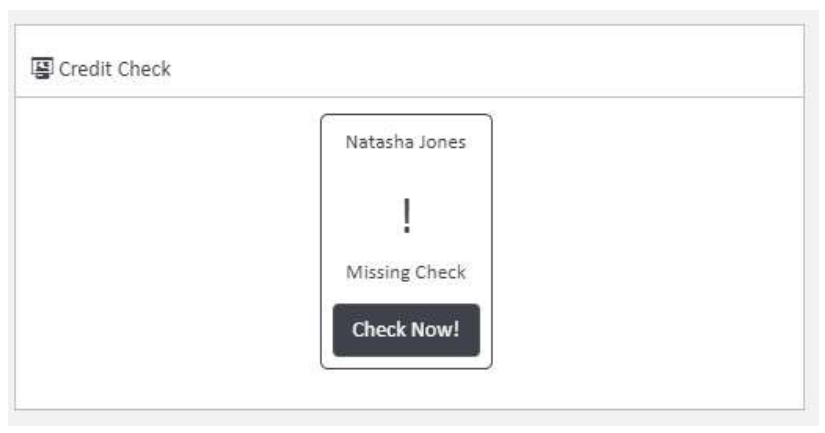
If a credit check has not yet been performed, the widget will display a "Missing Check" message alongside the person's name and a Check Now! button.
Running a credit check
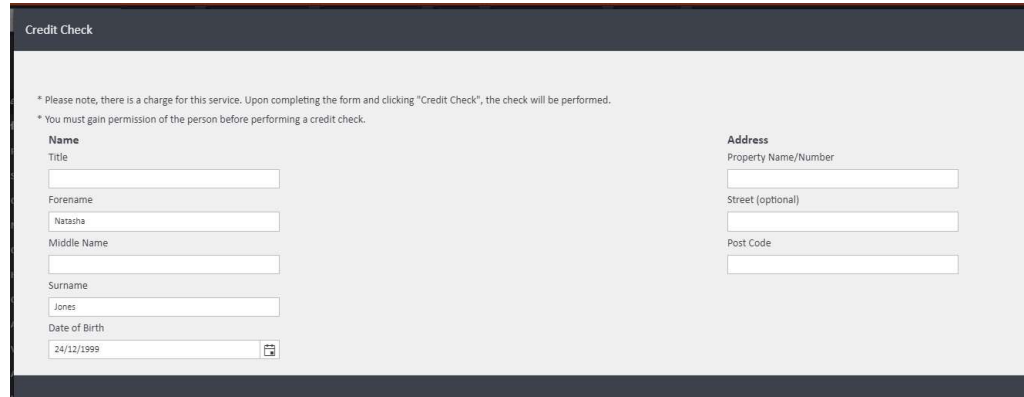
Clicking Check Now! will open a pre-filled credit check form. The person's details from their profile in agentOS — including forename, surname, and date of birth — will be automatically populated, making the process quick to complete.
⚠️ Please note: There is a charge for this service. You must also obtain permission from the person before performing a credit check.
After a credit check has been completed
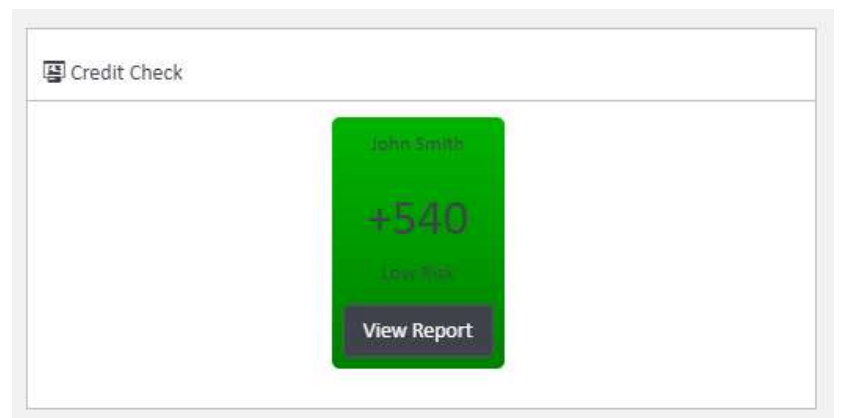
Once a credit check has been performed, the widget updates to display the credit score and changes colour to reflect the risk level:
- 🟢 Green — Low risk
- 🟠 Orange — Medium risk
- 🔴 Red — High risk
A View Report button also appears, allowing you to access the full credit check report directly from the widget.
If you need any assistance with credit checks, contact the agentOS support team at support@agentos.com.