
Portal Media is a section within agentOS that allows you to include supplementary media alongside your property listing when it is sent to portals. This includes items such as property brochures, Energy Performance Certificates (EPCs), virtual tours, and online viewing links.
⚠️ Important: Portal Media items are currently supported on Rightmove and On The Market feeds only. If you are using another portal, contact support@agentos.com to confirm the best way to upload media to that feed.
Where to Find Portal Media
Portal Media is located under Photos in the left-hand navigation ladder of a sales instruction or lettings tenancy.
What Can Be Added
The following media types are available by default:
Brochures
- Property Brochure
- Download Brochure
Energy Performance Certificates
- Energy Performance Certificate
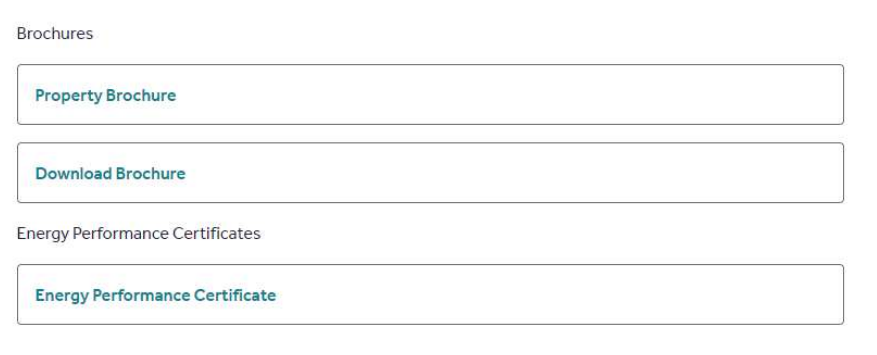
Additional media types include virtual tours and online viewings. Each item in Portal Media displays its Media Source — either URL or Upload — in the information banner when you click into it. For Upload type items, only PDF documents may be uploaded.

There is a maximum of 50 items that can be added to Portal Media per property.
Documents from Saved Documents
Any documents that have been uploaded to a property's Saved Documents section can also be included in Portal Media via the Upload to Portal action on the relevant document. See the article How do I make an EPC public on a property advert in agentOS? for a related example of this workflow.
Send Default Brochure
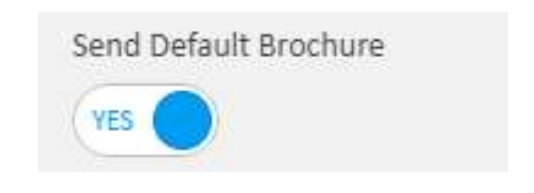
By default, your property brochure will not be sent to portals automatically. This gives you the opportunity to review your existing brochure before it goes live. If you are happy for the default brochure to be included, you can enable this via the Send Default Brochure toggle.
- For sales, this toggle is found under Marketing on the instruction.
- For lettings, it is found under Property Type & Description on the instruction.
For any properties created from this point onwards, Send Default Brochure defaults to on.
EPC Information
Portal Media provides an additional way to link EPC information to a listing. However, agentOS also has dedicated EPC fields on sales and lettings instructions where you can enter the EER and EI figures — these generate an EPC graph automatically — or link directly to the report via the EPC URL field.
It is recommended to continue using the dedicated EPC fields on the instruction as the primary method, as these fields are used when generating documentation within the system. Portal Media can be used as a supplementary option if needed.
Automatic Portal Updates
When a Portal Media item is added or updated, your property listing on connected portals will update automatically. The time taken for changes to appear on portals may vary.
Need Help?
If you have any questions about Portal Media in agentOS, contact the support team at support@agentos.com.