
negApp gives you access to the vital functions of agentOS whilst away from the office. It works on any mobile device with a browser and an internet connection — no app download is required. Your negApp login details are the same as those you use for agentOS.
To access negApp, visit http://neg.agentos.com and enter your username and password as normal. If you have forgotten your login details, contact support@agentos.com for assistance.
Diary Management
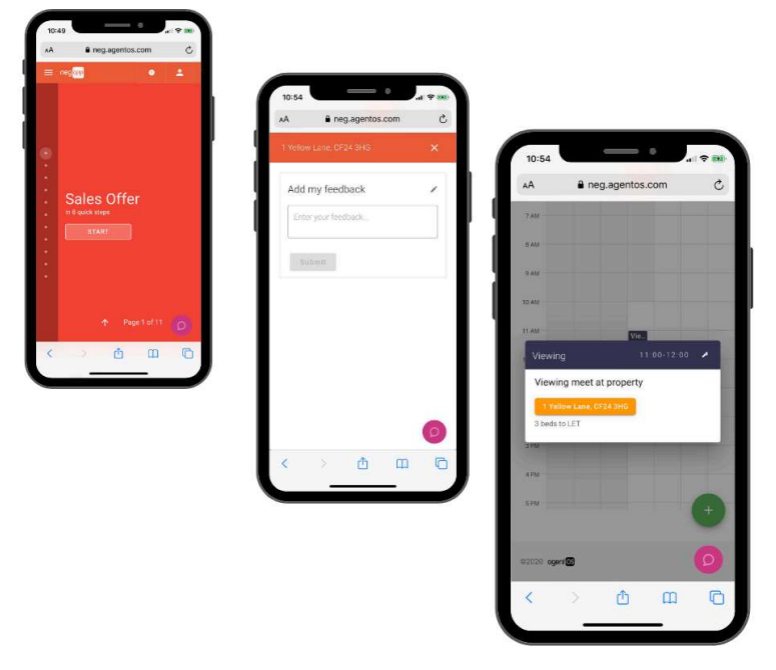
When you first log in, you will be taken to your diary. As well as viewing your own appointments, you can use the search function at the top of the diary page to view the diaries of other team members. You can view by day, week, or month. Any changes made in agentOS will be reflected in negApp in real time, and vice versa.
Messages
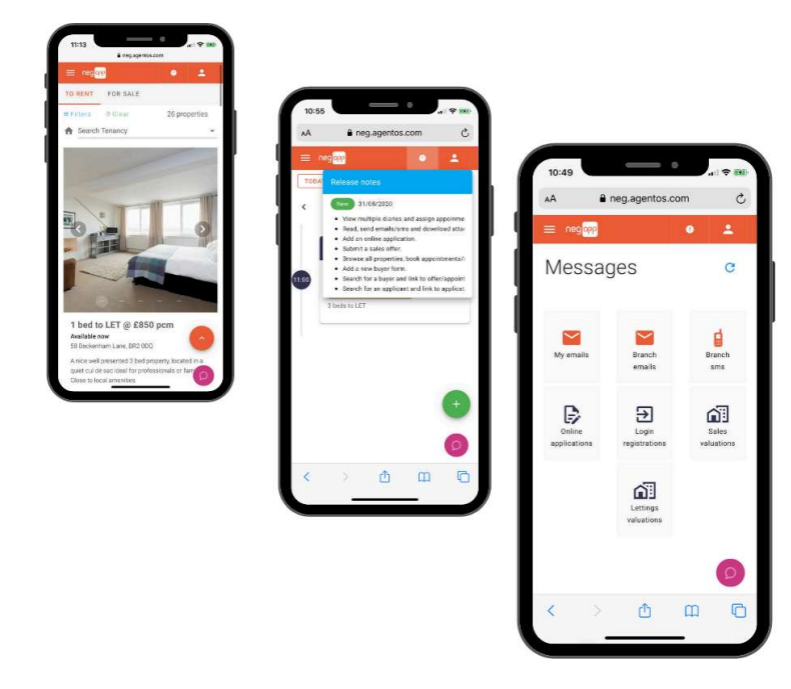
The Messages section gives team members the same level of functionality when away from the office as when they are in it. From here you have access to:
- My emails
- Branch emails
- Branch SMS
- Online applications
- Login registrations
- Sales valuations
- Lettings valuations
This includes the ability to view emails and SMS that have been received, as well as reply using Compose for emails and Compose SMS.
My Properties
Using My Properties, you have full search capability to view all properties you manage. You can search for properties by address using the search bar in the top right-hand corner. Once you have found the property you are looking for, you can:
- Select Book to load your calendar and book an appointment against that property
- Select Location to automatically load Maps, saving you the time of manually entering the address for your next appointment
Online Application
Under the Rent tab, you will find the Online Application option. Once selected, your prospective tenant is able to complete your application form, which is then sent back to the office in real time.
Sales Instructions
Under Sales Instructions, you have the option to Add Buyer. After completing the required fields, you are then able to Add an Offer. This includes Offer Conditions and Internal Notes, ensuring you have all the vital information captured at the appointment and reducing the need to follow up with calls later.
Beta Features
The following features are in Beta, with full release expected following testing and client feedback:
- My Applicants
- My Buyers
For any questions about negApp, contact support@agentos.com.