
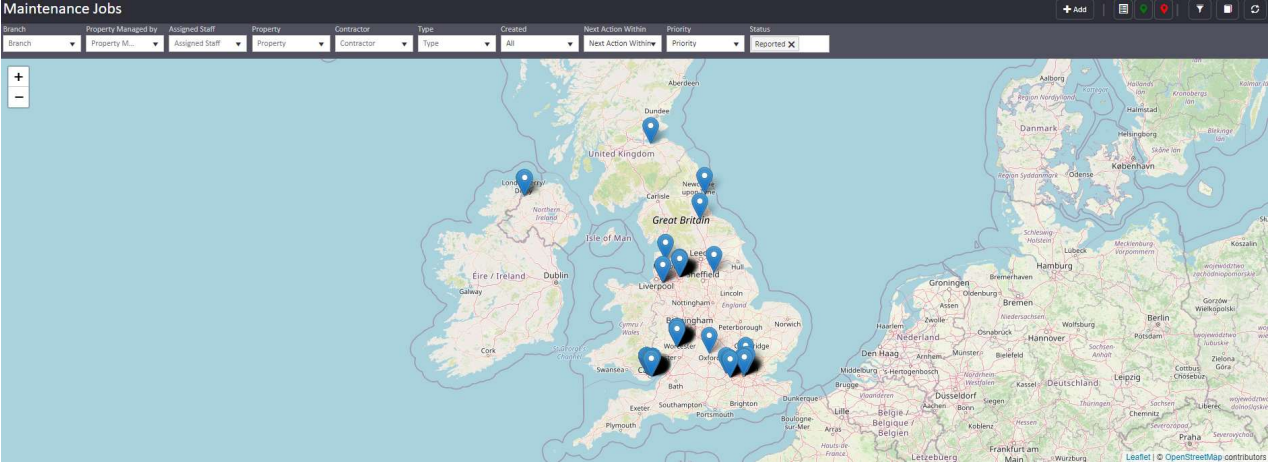
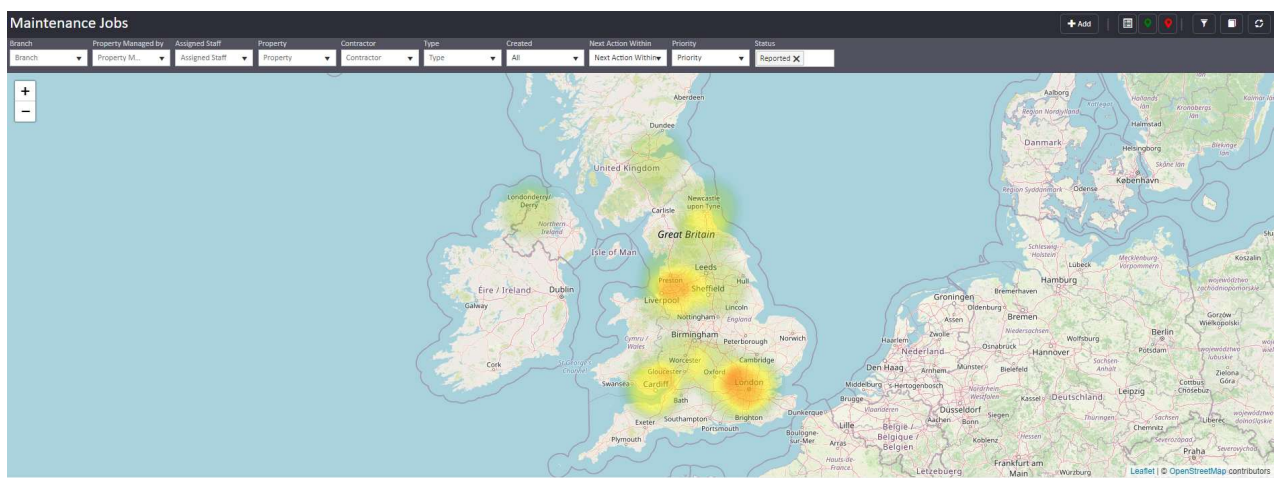
Maps are available across a number of grids in agentOS, giving you a visual overview of property locations alongside the data already displayed in the grid. Two map types are available: a standard map showing individual property pins, and a heat map showing concentrations of activity across a geographic area.
Both map views display the information pulled directly from the grid they are attached to.
Where maps are available
Maps can be accessed from grids including:
- Maintenance Jobs — view the locations of properties with active maintenance jobs
- Applicants — view properties matching a particular applicant's requirements
How properties are plotted
For a property to appear on the map, agentOS must first generate a geo tag for it based on its address. This happens automatically from the address data held on the property record.
Using the map
In standard map view, each property appears as a pin. Clicking a pin will display relevant information and available actions for that particular property, allowing you to act directly from the map without navigating away from the grid.
Need Help?
If you have any questions about maps or geo tags in agentOS, contact the support team at support@agentos.com.