
Once an applicant has been set up with their property criteria in agentOS, you can view all matching properties directly from their record. This gives you a quick overview of what is available for them before making contact.
Step 1: Open the Applicant Record
Search for the applicant by typing their name into the quick search bar at the top of the screen.
tenant entry) from the search results to open their applicant record.
Step 2: View Matching Properties on the Right-Hand Panel
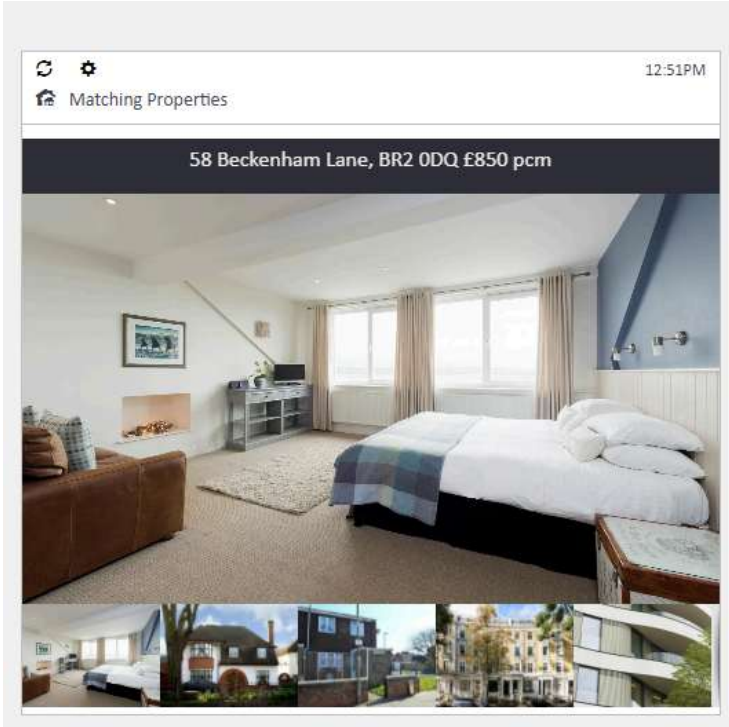
When you open the applicant's record, matching properties are displayed on the right-hand side of the screen. Each matching property is shown with its address, rent, and a property image where available.
Step 3: View the Full Matching Properties List
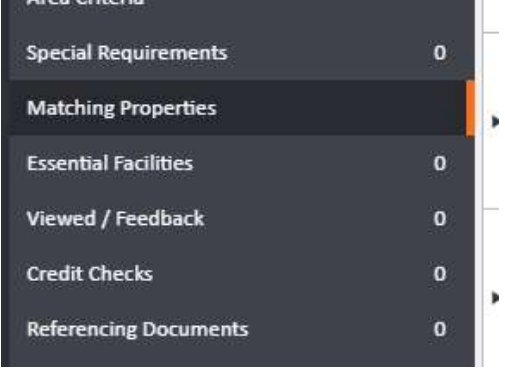
For a complete overview of all matching properties with availability dates, branch, bedroom count, and advertised rent, click Matching Properties in the left-hand navigation ladder.
The Matching Properties grid will load, showing all currently available properties that meet the applicant's criteria.
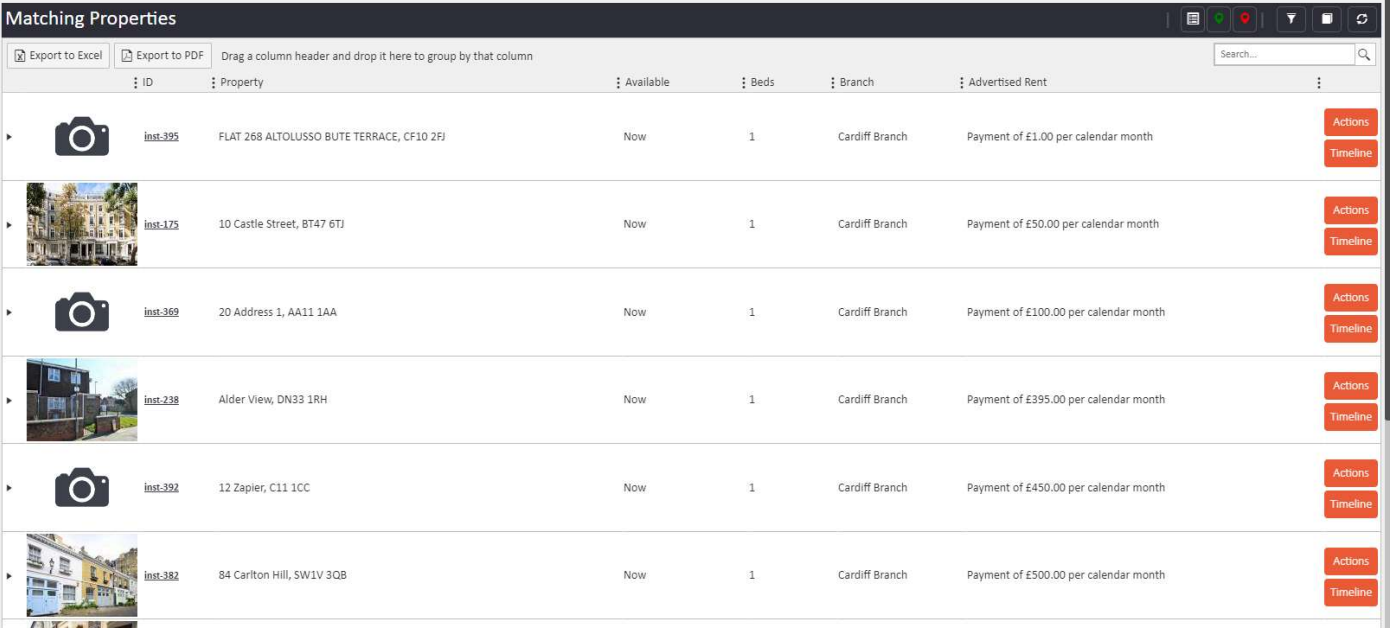
From this grid you can see all matching properties and general information about each one, including the advertised rent and availability date.
Need Help?
If you have any questions about applicant matching in agentOS, contact the support team at support@agentos.com.