
agentOS allows you to set up an automatic transfer so that tenant bonds and deposits are correctly moved to your custodial scheme contractor when they are collected, making it easier to register and pay deposits to the relevant scheme.
Important: This setting only applies to new bonds and deposits taken going forward. It cannot retrospectively move any deposits already held in existing accounts.
To configure a Deposit Scheme Auto Transfer:
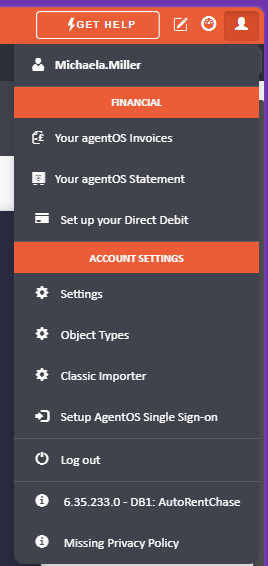
- Click the person icon in the top right of the screen.
- Select Settings.
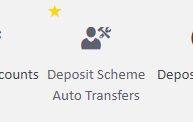
- Navigate to Deposit Scheme Auto Transfers.
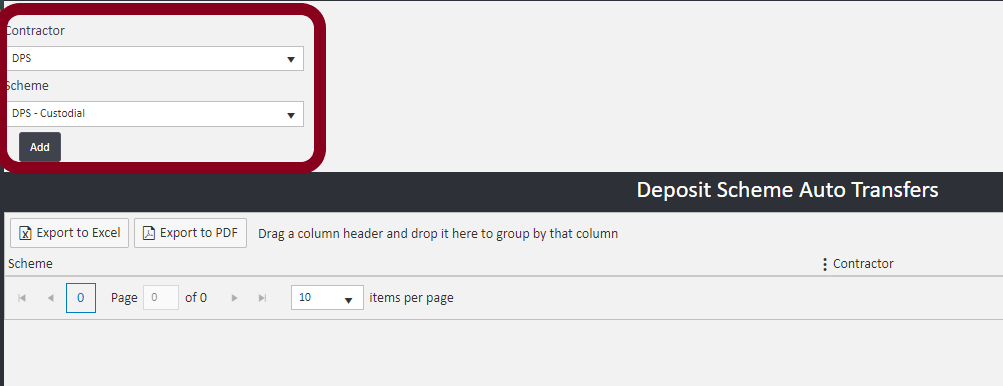
- Select the Contractor (e.g. DPS) from the drop-down.
- Select the Scheme type (e.g. DPS – Custodial) from the drop-down.
- Click Add to save the configuration.
The Deposit Scheme Auto Transfer will now be active for any new bonds or deposits taken.
If you need assistance with this setup, contact support@agentos.com.