
Automatic login email
When you create a landlord record in agentOS, the system automatically sends them an email containing a link to reset their password and a link to access the landlord dashboard.
Manually sending login details
To send login details to an existing landlord at any time, open their profile in agentOS and click Actions > Send Login Request.
This email includes:
- A link to set their password
- A GDPR login link for managing their marketing preferences
- A link to access the landlord dashboard
- Their unique login username
The content of this email is customisable. The default version includes a greeting, company contact details, a password reset link, and a GDPR link. It is advisable to customise the template so that it clearly explains to the landlord how to log in. For guidance on editing the template, refer to the article on customising automatic email templates.
What the landlord needs to do
Once they receive the email, the landlord should:
- Click the Reset Password link and set a password. Passwords must contain at least one capital letter, one number, and one special character.
- Set two security questions when prompted — these are needed if they ever forget their password.
- Return to the email and use the landlord dashboard link to access the portal. Note: the password reset link directs to a GDPR marketing preferences page — the dashboard is accessed via the separate dashboard link in the same email.
Their unique login username is their CRM number @ your company shortname (for example, lan-456@yourcompany).
Finding a landlord's CRM number
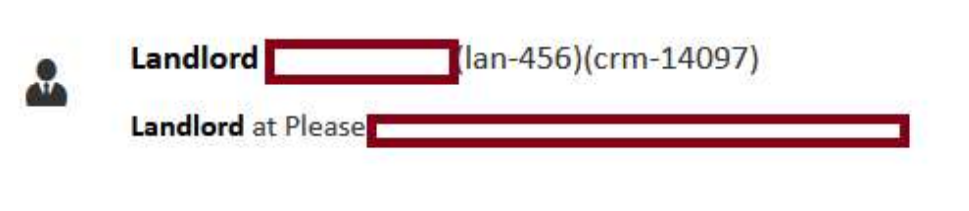
Search for the landlord in the search bar. Their CRM number appears in brackets next to their name in the search results.
Company shortname
The company shortname is the portion of your website address that follows the domain (e.g. if your portal is at myprop.app/acmeletters, the shortname is acmeletters).
If you need further assistance, contact support@agentos.com.