
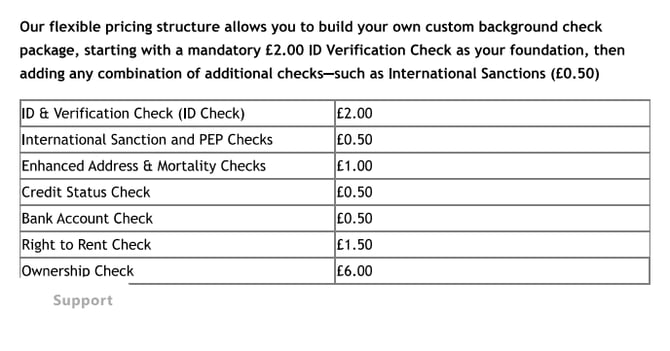
Anti-Money Laundering (AML), ID verification, and Right to Rent/Work checks are available through agentOS, powered by Credas. The pricing structure is flexible, allowing you to build a custom background check package starting with a mandatory £2.00 ID Verification Check as the foundation, then adding any combination of additional checks:
| Check Type | Price |
|---|---|
| ID & Verification Check (ID Check) | £2.00 |
| International Sanction and PEP Checks | £0.50 |
| Enhanced Address & Mortality Checks | £1.00 |
| Credit Status Check | £0.50 |
| Bank Account Check | £0.50 |
| Right to Rent Check | £1.50 |
| Ownership Check | £6.00 |
The AML & ID Check Widget
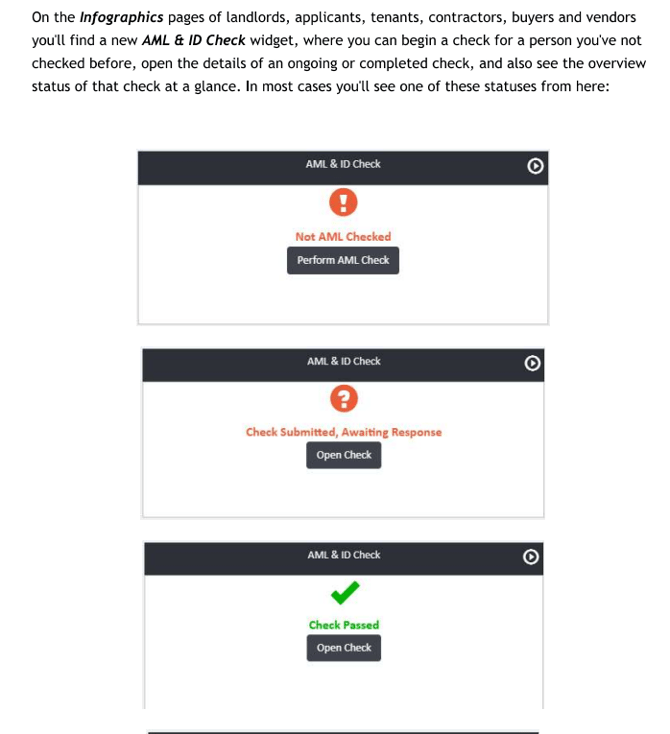
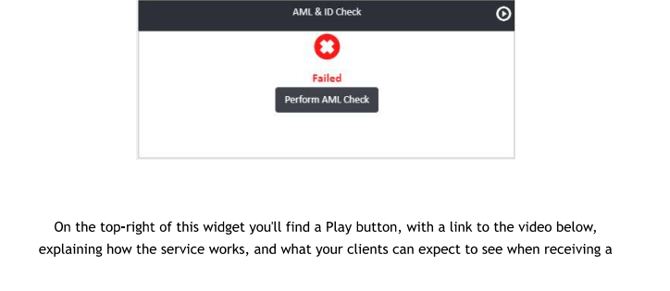
On the Infographics page of a landlord, applicant, tenant, contractor, buyer, or vendor record, you will find an AML & ID Check widget. From here you can begin a check for someone who has not been checked before, open the details of an ongoing or completed check, and see the overall status of a check at a glance. In most cases you will see one of the following statuses:
Starting a Check
There are multiple ways to initiate a check. The most common method is to open the relevant person's record, click Actions, and select AML & ID Check. For people who do not have an Infographics page on the system (such as solicitors or developers), use the Actions menu on their record and select AML & ID Check directly.
A check can also be initiated via the Make a Payment option under Actions on a person's profile, or from the Pay People in Credit list within your Bank Account.
Checking the Status of a Check
On all person profiles you will also find an AML & ID Checks section in the left-hand navigation:
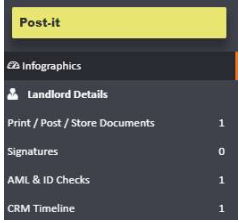

Clicking into this shows a list of ongoing and completed checks. You can click into an individual check to see more detailed information about its status. This view updates regularly with the latest information from Credas. Checks can also be cancelled from this menu using the Cancel option.
The Notes section on the left shows any changes that have taken place on the check. Once a check has been completed, a PDF report will appear under Documents on the left, showing what the individual submitted as part of the check.
Check Types
Through Credas, three standard levels of check are available:
- ID Verification
- Standard AML — ID verification, address, date of birth, and mortality checks
- Enhanced AML — ID verification, address and mortality checks, plus International Sanctions and PEP screening
The individual components that can be included in a check are as follows:
- Address and Date of Birth — checks the individual's address and date of birth against the UK Electoral Roll and Credit Header
- Mortality — checks the UK deceased database, verifying the first and last name against the registered deceased persons database
- International PEP — verifies the individual against the Politically Exposed Persons list from across the world, including family members
- International Sanctions — verifies the individual against multiple sanctions and enforcement lists globally
- Proof of Ownership — confirms whether the individual is registered as proprietor of a property, including whether it is held in sole or joint ownership, and confirms the title number
- Credit Status — confirms whether the individual is a company director and whether there are any current bankruptcy or CCJ entries on their credit file
- Bank Account Check — confirms that the bank account details provided are registered against the individual's name, address, and date of birth
Custom Check Types
Check types are listed under the Object Types menu for AML & ID Check Types, where you can see a list of the standard system types:
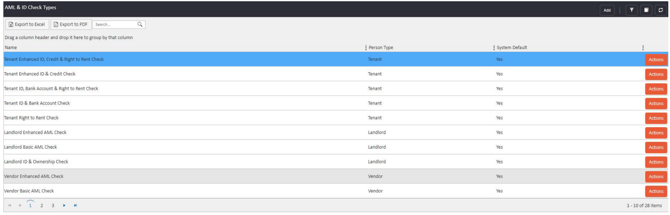
Standard check types cannot be amended. However, you can add your own custom check types using the Add button in the top right. The menu allows you to name your check type, select the person type the check will be conducted on, and choose a base type for the check. If the check relates to a specific branch only, this can also be selected. The individual check components to include are then selected using the sliders on the right-hand side:
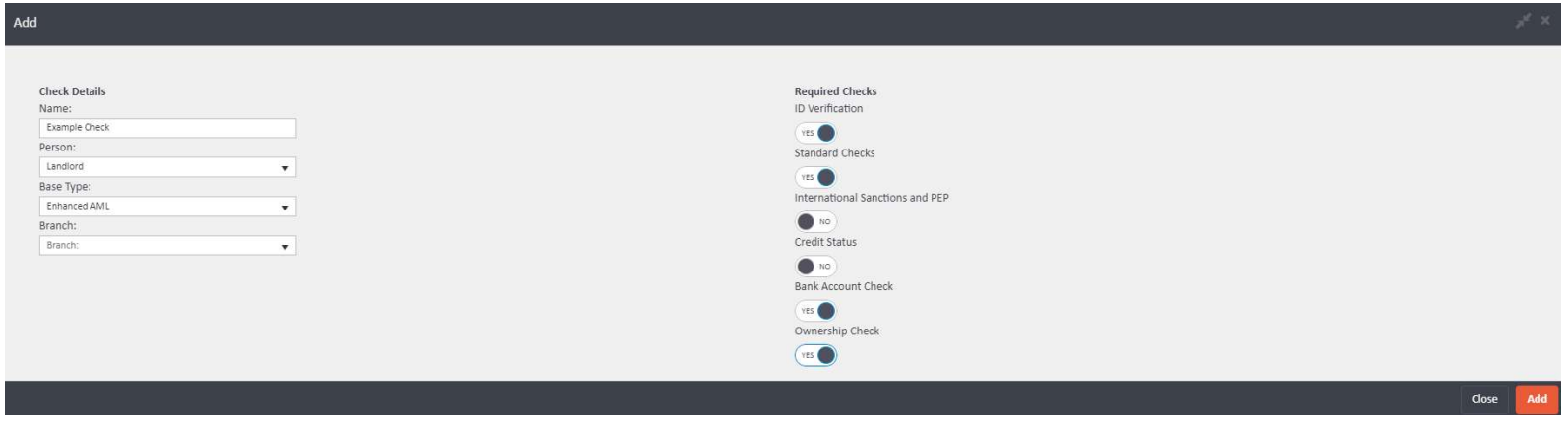
Please note that ID Verification is a required component on all custom check types.
If you have any questions, contact support@agentos.com.