
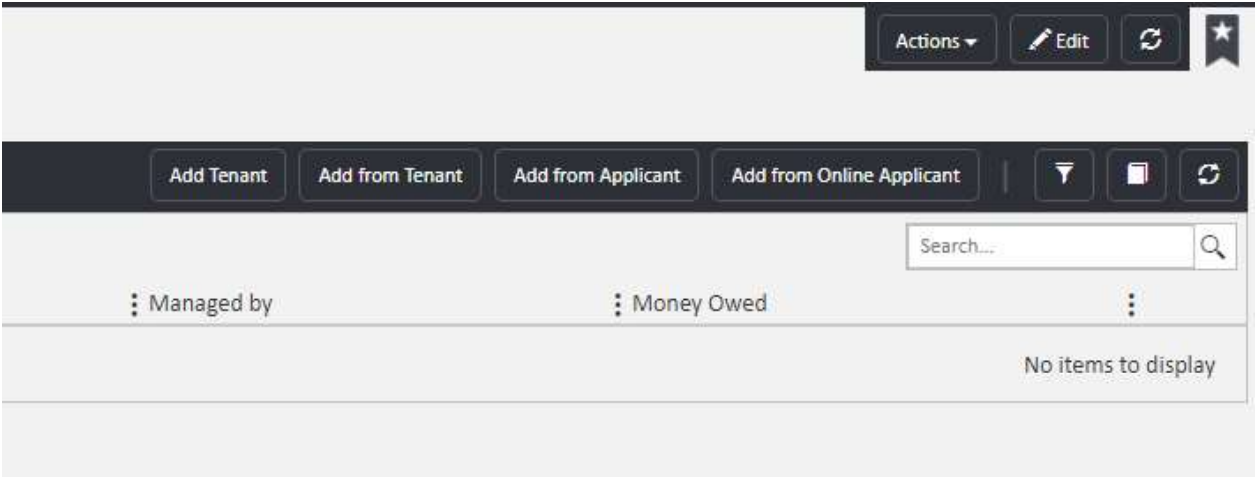
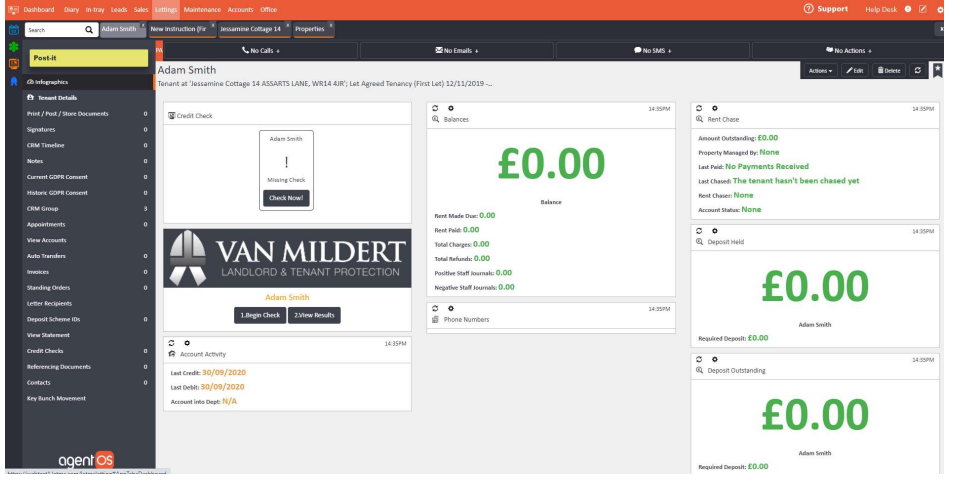
Once a tenant has been added to a tenancy, you can carry out credit checking and referencing directly from their record in agentOS. The credit checking widgets are found on the infographics screen — the front page of the tenant's profile.
There are two options available:
Option 1: Built-in credit check
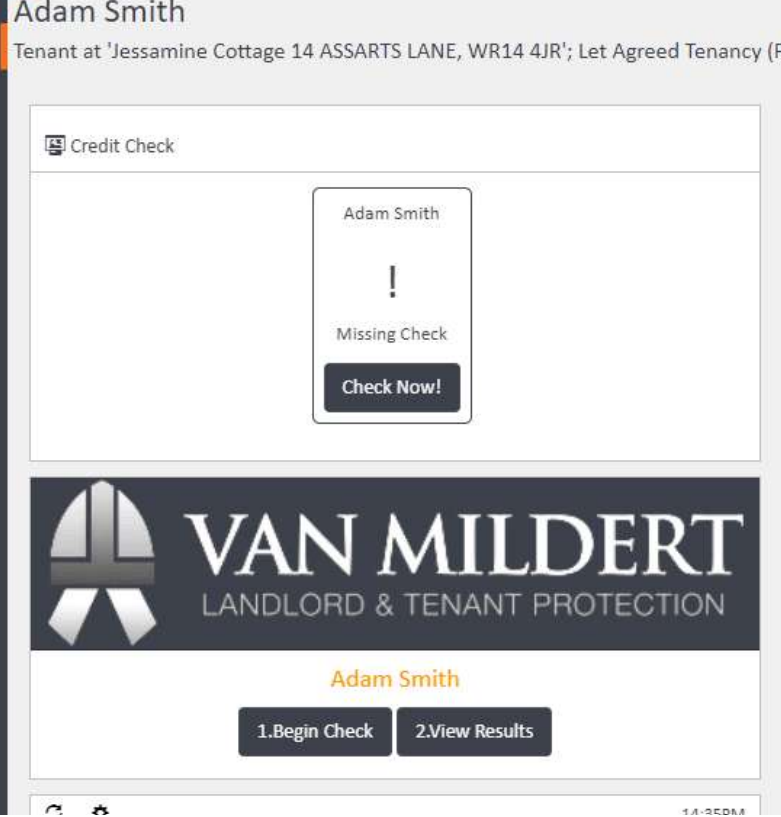
The built-in credit check provides a general credit score for the applicant and will also surface any CCJs or defaults. To run the check, click Check Now! on the Credit Check widget on the tenant's infographics screen.
Option 2: Van Mildert
Van Mildert provides a comprehensive referencing report including a full credit reference, employment and income verification, previous address history, previous landlord checks, and fraud checks. To use Van Mildert, click 1. Begin Check on the Van Mildert widget. Once the check is complete, click 2. View Results to view the outcome.
Note: Van Mildert is a third-party service and requires a separate account. Contact Van Mildert directly at www.vanmildert.net for pricing. There are charges for using these services — contact support@agentos.com for further information.
If you need any assistance, contact the agentOS support team at support@agentos.com.