
Once Open Banking is set up on your account, the authorisation for the connection must be renewed every 85 days. agentOS displays a countdown against your bank account so you can track when renewal is due. It is advisable to renew a few days before the deadline to avoid any interruption to your transaction imports.
If the status shows as Overdue, no new entries will be imported until the authorisation is renewed.
To renew your Open Banking authorisation:
- Go to Accounts > Bank Accounts
- Locate your Open Banking bank account
- Click the Actions button next to that account
- Select Open Banking - Renew Authorisation
- When the window appears, click Connect
- A new tab will open to TrueLayer — follow the on-screen instructions to allow permission, select your country and bank, and complete your bank's security steps
- Once you have completed the bank authentication, you will be redirected back to agentOS
- Click the Open Banking - Renew Authorisation button in the right corner of the window to complete the renewal
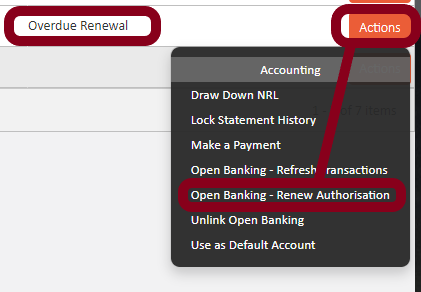
Important — if renewing an overdue authorisation: If you are offered an import date selection during the renewal of an overdue authorisation, select the day after the last successfully completed import. This allows the system to pull in any missing transactions.
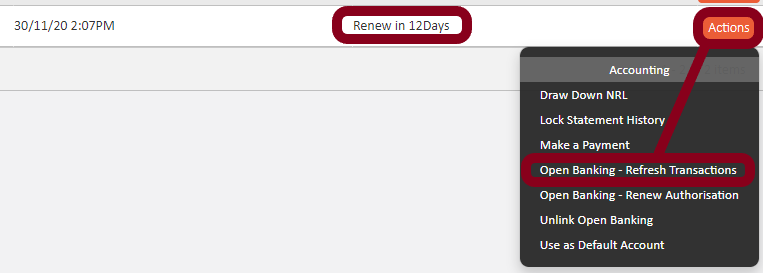
If transactions appear to be behind after renewal: Go to Actions against the bank account and select Open Banking - Refresh Transactions. Note that this can only be triggered manually up to four times per day. Outside of manual refreshes, the connection will update automatically four to five times per day.
If you need assistance, contact support@agentos.com.