
⚠️ Important: A date of birth must be entered on the person's profile before a credit check can be carried out.
Viewing historic credit checks
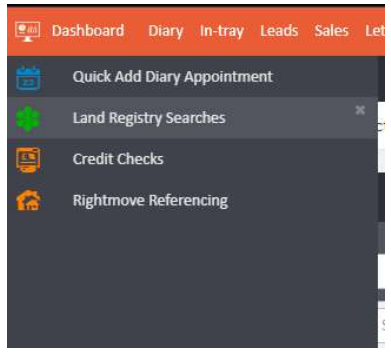
To view all previously conducted credit checks, hover over the left-hand side of the screen and select Credit Checks. You can also access this section through the Office menu in the main navigation bar.
All previous checks will be listed here, with filters for Branch, Staff, Type, Date, Risk Level, State, and Sort Order, and columns for Credit Check, Linked To, Score, and Result.

Running a new credit check
To run a new credit check, click the Credit Check widget within the applicant or tenant record. If no check has been carried out, the widget will show a Check Now! button.
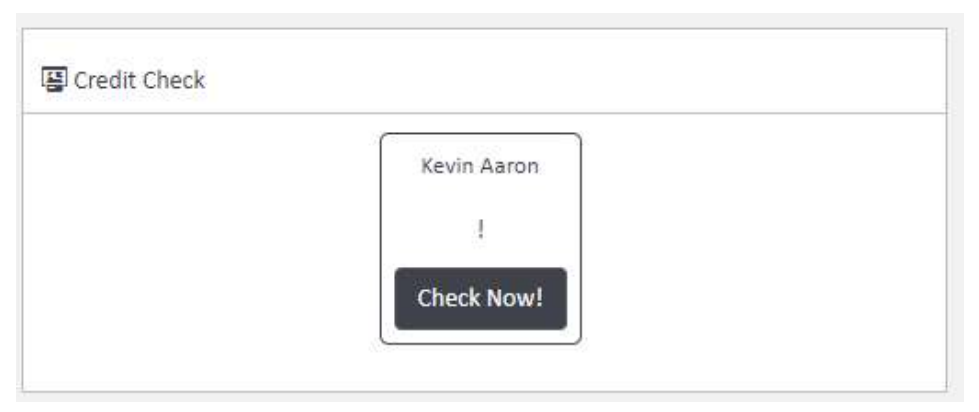
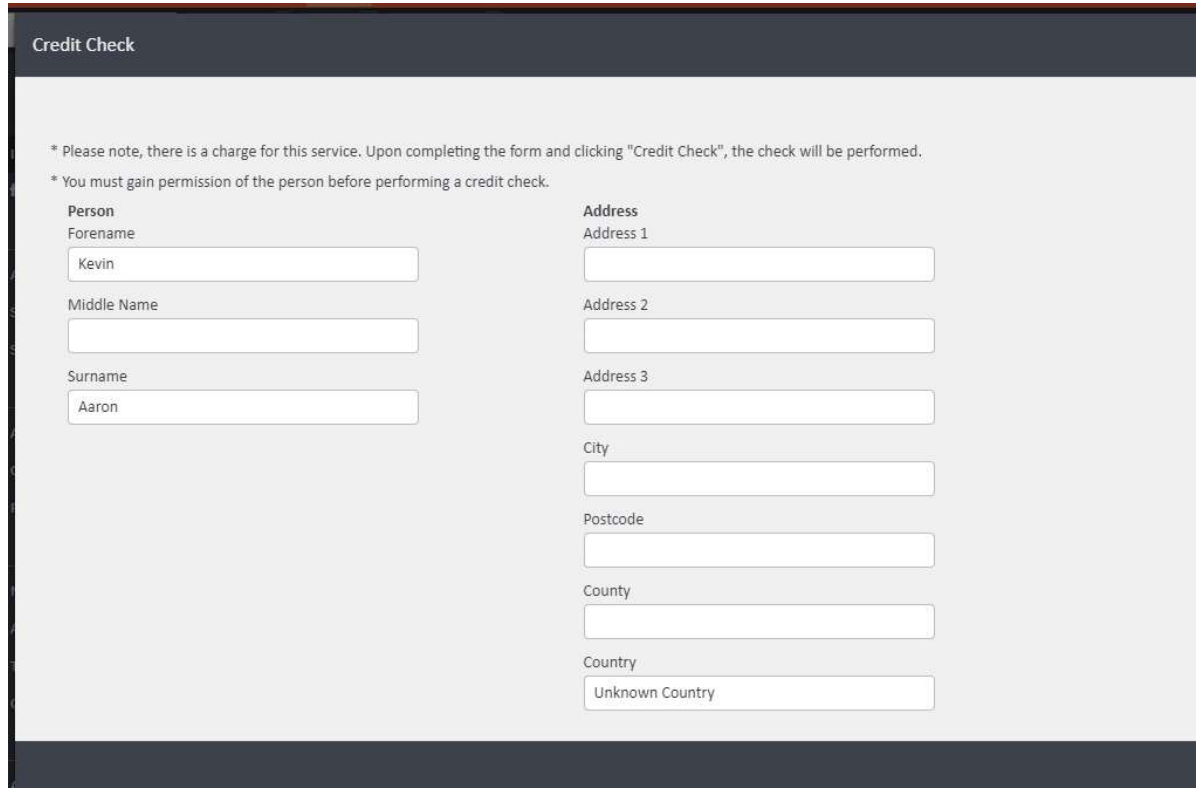
Clicking Check Now! will open a credit check form with the person's details pre-populated from their profile.
⚠️ Please note: There is a charge for this service. You must obtain permission from the person before performing a credit check.
Understanding the results
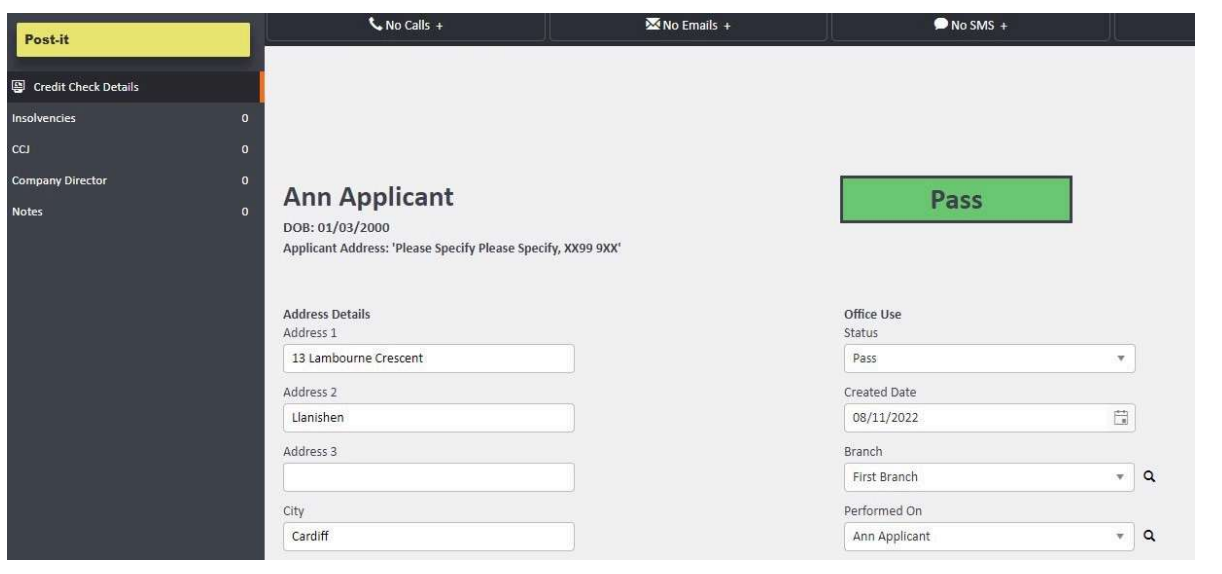
Once a check has been submitted, you will receive one of the following results:
- Pass — the check has been completed successfully with no significant concerns
- Caution — the check has returned some concerns; review before proceeding
- Fail — the check has returned significant issues
- No Results Found — the system was unable to match the person to the address provided
Overriding a Caution result
If a Caution result is returned and you decide to proceed, you can override it to a Pass with Caution status. To do this, go to the Actions menu on the credit check results page and select Pass with Caution.
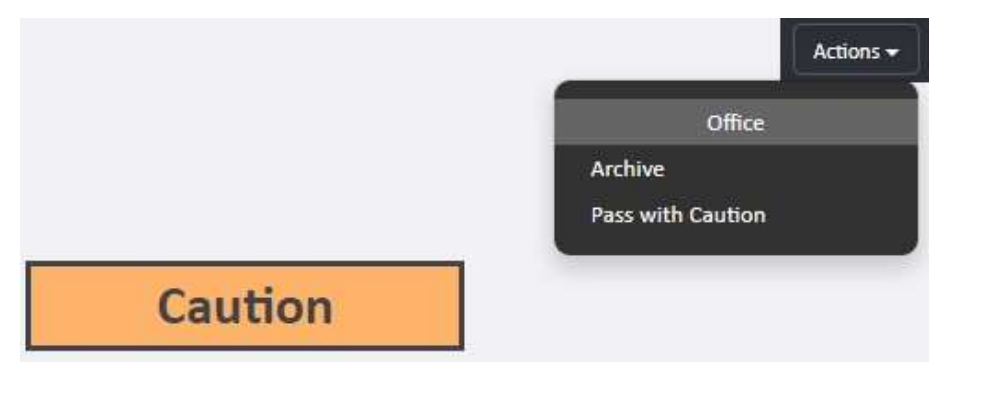
Note: Only checks returning a Caution result will show the Pass with Caution option. A reason must be provided when overriding, which will be recorded in the Notes section.
What does "No Results Found" mean?
A No Results Found result typically means the system was unable to match the person to the address entered. You can perform another check by entering different address details and trying again.
⚠️ Please note: Any additional credit check attempts will be charged at your normal rate.
If you need any assistance with credit checks, contact the agentOS support team at support@agentos.com.