
agentOS facilitates a connection to Rightmove's referencing service, allowing you to initiate full tenant references from within the system. The referencing itself takes place on the Rightmove website, which opens in a separate browser window.
Please note: You will need an account with Rightmove to use their referencing service. Please contact Rightmove directly for information on costs and to set up an account.
Starting a full reference
Navigate to the tenant profile you wish to reference. On the main information screen, you will see the option for Rightmove referencing. Click Begin Check to open the Rightmove referencing portal.
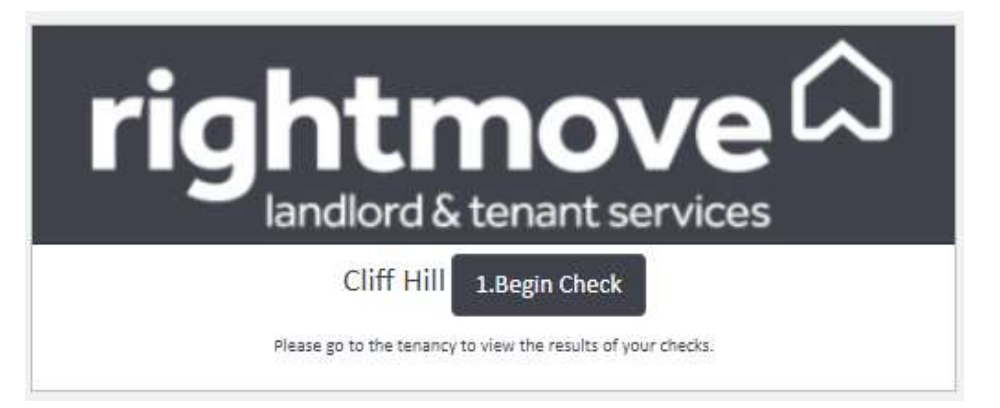
Follow the prompts on the Rightmove website to complete the referencing process.
Viewing the results
Once you have completed the check on the Rightmove website, return to the tenancy record in agentOS and click the Check Results button to view the outcome.
Tip: The Rightmove referencing option can also be accessed from the Office quick-access panel in the main navigation bar, alongside Credit Checks and Land Registry Searches.
If you need any assistance, contact the agentOS support team at support@agentos.com.