
Inspection appointments can be booked directly from the Inspections grid without needing to navigate to the diary separately.
Step 1: Open the Inspections Grid
Navigate to Lettings and select Inspections.
Step 2: Locate the Tenancy
Find the tenancy you wish to book an inspection for. Use the filters to narrow down results by branch, managed by, service type, due date, or postcode if needed.
Step 3: Book the Appointment
Click the Actions button on the right-hand side of the tenancy row. From the dropdown, select Book Appointment.
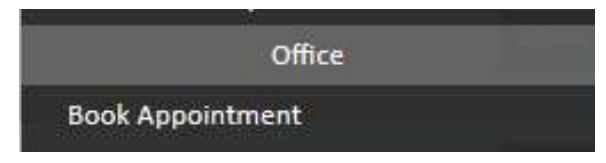
This will open the diary appointment screen, where you can complete the appointment details and save the booking. Once saved, the date will appear in the Inspection Booked column of the Inspections grid for that tenancy.
Need Help?
If you have any questions about booking inspection appointments in agentOS, contact the support team at support@agentos.com.