
When a tenancy has multiple tenants, agentOS needs to know which tenant the rent should be called against. This is the head tenant. Assigning a head tenant ensures rent is only called against one person, preventing arrears from appearing against tenants who are not responsible for making the rent payment.
How to assign a head tenant
- Locate the tenant you wish to make the head tenant. You can find them by searching their name in the search bar or navigating to the tenancy and opening their record from there.
- On the tenant's record, click the Actions button on the right-hand side.
- From the dropdown menu, select Make Head Tenant.
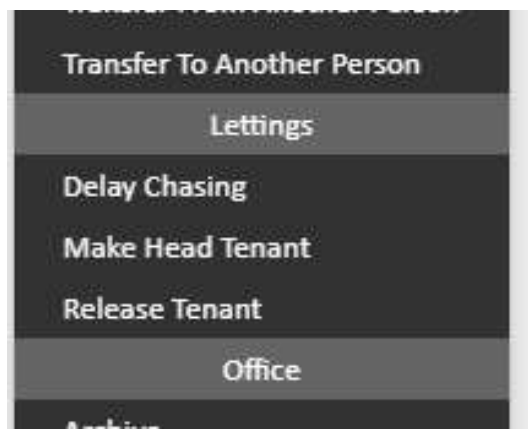
Rent will now be called solely against this tenant.
If you are unable to assign a head tenant
It may not be possible to assign a head tenant if any of the following applies to your tenancy:
- The tenancy has already been signed
- The tenant is not linked to an active tenancy
- Another tenant on the same tenancy is already set as the head tenant (in which case you would need to use Release Tenant on the current head tenant first, if appropriate)
If the tenancy has already been signed and you need to change or assign a head tenant, contact support@agentos.com for assistance.