
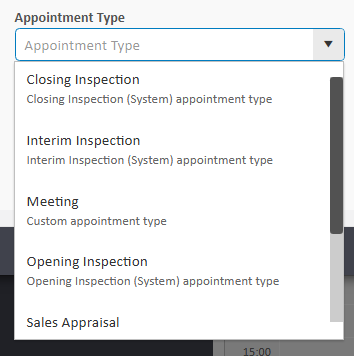
Appointment types allow you to categorise your appointments. You will have a default list available on agentOS:
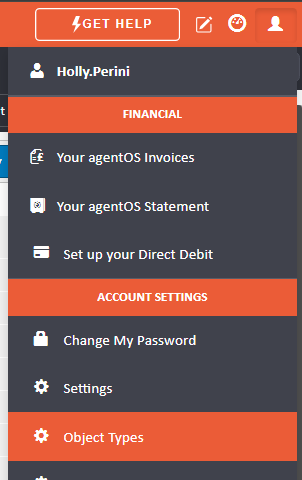
If you would like to further customise this list with additional appointment types head to the person icon in the top right hand corner of your agentOS screen and select Object Types
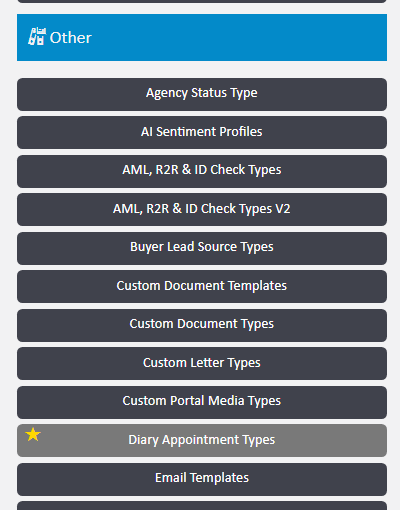
Under the blue Other section, locate the option for Diary Appointment Types
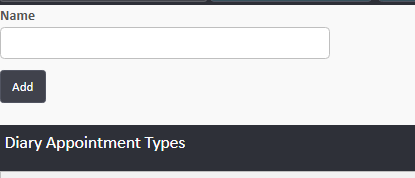
Type in the name of the new type you would like to create and click the Add button
Your new appointment type will now be available to use within the diary appointments.